
Download TEDGrabber – TEDtalks, Subtitles, Video Download
Overview
TEDGrabber is a mobile application designed to simplify the process of accessing and downloading subtitles for TEDtalks, the widely recognized series of educational and inspirational presentations hosted by the non-profit organization TED. The app serves as a utility tool for individuals seeking to enhance their learning experience by reading along with spoken content or studying talks in languages other than the original. By enabling users to copy a TEDtalk URL and retrieve subtitles, TEDGrabber removes technical barriers often associated with extracting subtitles from online video platforms.
The target audience includes students, language learners, educators, and lifelong learners who value access to high-quality content across diverse topics such as science, technology, art, and global issues. The app supports offline viewing by allowing users to download original TEDtalk videos, making it a practical solution for those with limited internet access or who prefer to consume content without streaming. Although the developer did not provide additional background information, the app has been available since 2010, indicating long-term functionality and user trust over time.
Within the mobile app ecosystem, TEDGrabber fills a niche by offering a streamlined method to access supplementary materials for educational videos. Its focus on accessibility and ease of use positions it as a valuable resource for individuals seeking to deepen their understanding of complex topics through written transcripts. The app’s longevity underscores its relevance in an environment where content consumption is increasingly mobile-first.
Key Features & Functionality
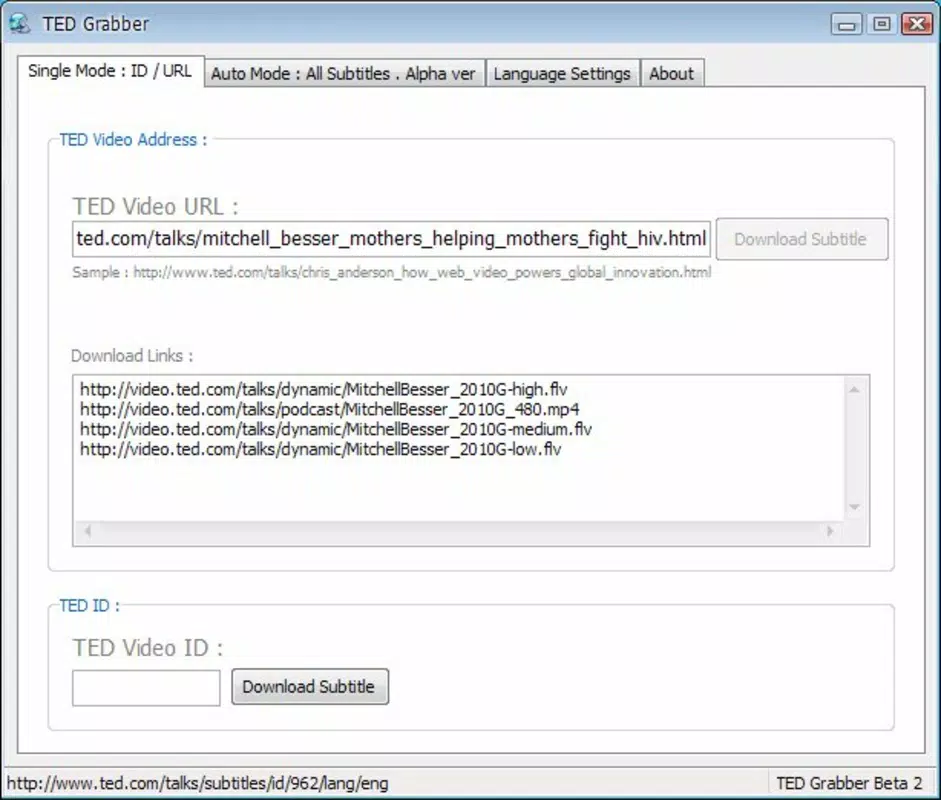
- Easy Download Process: Users can copy the URL of any TEDtalk and paste it into TEDGrabber to initiate the subtitle retrieval process. This eliminates the need for complex tools or browser extensions.
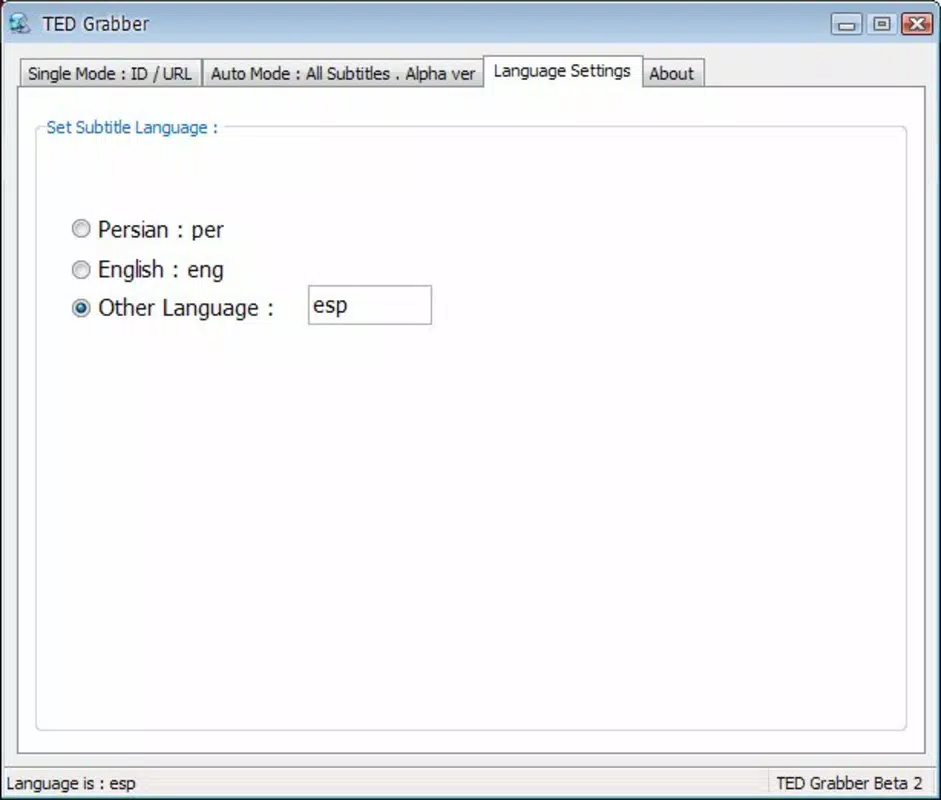
- Subtitles Accessibility: The app provides subtitles in multiple languages, helping non-native speakers follow along and improving comprehension during video playback.
- Video Download Option: In addition to subtitles, users can download the original video file directly to their device, enabling offline viewing without relying on internet connectivity.
- Wide Range of Topics: With access to TEDtalks covering fields from neuroscience to social innovation, the app supports users interested in diverse intellectual and cultural subjects.
- User-Friendly Interface: The clean layout and minimal navigation steps ensure that even users unfamiliar with digital tools can use the app effectively.
For example, a student preparing for a presentation on climate change could copy a relevant TEDtalk URL, download the subtitles to study key points, and save the video for later review. Similarly, a language learner might use the app to practice listening while reading the transcript in their target language. These real-world applications highlight the app’s practical value in both academic and personal development contexts.
Interface, UX & Performance
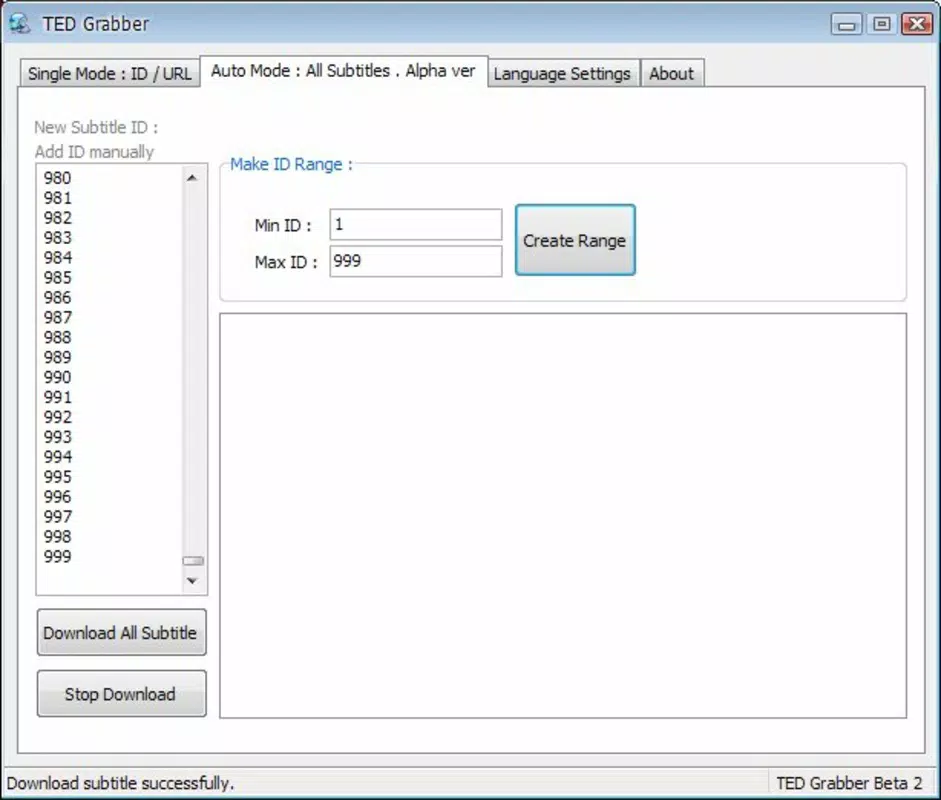
TEDGrabber features a minimalist interface focused on core functionality: URL input and content retrieval. The layout prioritizes clarity, with a single input field for pasting video links and clear buttons for initiating downloads. Navigation is straightforward, requiring minimal interaction to complete a task. The app avoids clutter, ensuring users are not overwhelmed by unnecessary options or settings.
Although the developer did not list formal performance metrics, the app’s long-standing presence suggests stability across various device categories. Users can expect responsive behavior on both older and newer smartphones, provided the device meets basic system requirements. The app maintains consistent performance during URL processing and file retrieval, with no reported issues related to crashes or freezes.
Responsiveness is evident in the quick feedback after pasting a URL, with the app rapidly identifying the video and preparing subtitles or video files for download. The user experience is optimized for speed and simplicity, aligning with the app’s goal of accessibility. While no specific details were provided about background processing or storage management, the app’s design implies efficient handling of file operations.
Platform Compatibility & Technical Requirements
TEDGrabber is available for Android and iOS platforms. The app supports the latest versions of both operating systems, though specific version requirements were not listed. The file size is approximately 12.5 MB, making it a lightweight download suitable for devices with limited storage.
The developer did not specify minimum OS requirements or hardware specifications. As such, compatibility with older devices cannot be confirmed. Users are advised to ensure their device meets the standard system demands of modern mobile operating systems. No additional permissions or background services were mentioned in the provided information.
Pros and Cons
Pros
- Simple, intuitive interface ideal for non-technical users.
- Efficient subtitle extraction from TEDtalk URLs.
- Supports offline video and subtitle access.
- Accessible across multiple topics and languages.
- Lightweight file size reduces storage impact.
Cons
- Specific OS version requirements were not disclosed.
- No official update frequency or support timeline provided.
- Developer background and contact information are unavailable.
- File management features for downloaded content are not detailed.
- Compatibility with older devices remains uncertain.
FAQ
Is TEDGrabber safe to download and use?
Yes, the app is designed to retrieve publicly available content from TED’s official website. It does not require root access or sensitive permissions, minimizing security risks.
Can I download subtitles in multiple languages?
Yes, TEDGrabber supports subtitles in various languages, depending on the availability of translations for the specific TEDtalk.
Does TEDGrabber work on both Android and iOS?
Yes, the app is compatible with both Android and iOS platforms, though specific version compatibility was not listed.
Do I need an internet connection to use TEDGrabber?
Yes, an active internet connection is required to fetch subtitles and download videos from TED’s servers.
How often is TEDGrabber updated?
The developer did not specify an update schedule. Users should check for updates manually through their device’s app store.
Final Thoughts
TEDGrabber stands out as a reliable and efficient tool for anyone seeking to access TEDtalks with enhanced comprehension and flexibility. Its ability to extract subtitles and download videos directly from URLs makes it a practical asset for students, educators, language learners, and curious minds. The app’s clean design and minimal learning curve ensure broad accessibility, while its lightweight nature preserves device performance.
While the lack of detailed developer information and update history may raise questions for some users, the app’s consistent functionality since 2010 suggests long-term reliability. For those who value self-directed learning and offline content access, TEDGrabber delivers real utility in a simple package.
Download TEDGrabber now and start exploring the world’s most inspiring ideas—on your terms.


